

tools and resources for the entrepreneur at any level
This is my go-to stash of tools and resources that keep the ideas flowing and the biz growing. No fluff, no overwhelm—just smart, stylish picks for bloggers, makers, and online dream-chasers doing the dang thing.
DISCLAIMER: Some of my recommendations have an affiliate link, which means that if you choose to click on the recommended link to make a purchase, I’ll receive a small commission off of the purchase which is no extra cost to you. Thank you for supporting KF.CO!
my top 3 tools for business
KadenceWP
Our child themes are all built using KadenceWP and the free version of the framework. However, it is worth the investment to dive into the pro version to extend the functionality, features, and more customization to your website.
Canva
Canva is my absolute go-to for creating graphics. I use Canva for many things, including website & blog graphics, pins for Pinterest, & even non-business related graphics, too. The small cost per month is well worth it.

Kit (formerly Convertkit)
The best email marketing platform for your email list needs. There’s a free plan that gives you the ability to grow your list before you invest in their paid plans. They are also very big on supporting creators and their businesses.
plug-and-play child themes for dIYers
All of our child themes are made with the out-of-the-box ready approach. Just customize your colors, add your copy, and you are ready to launch.
ADOBE CREATIVE CLOUD
Known for their complete design suite, Adobe has many apps that serves any need for creatives, including photography, PDF creation, graphics editor, & lots more. However, Adobe Express is free, and it’s a lot similar to Canva.
INKSCAPE
Inkscape is a free and open-source vector graphics editor that is awesome for creating a variety of graphics, but I personally use Inkscape to create my logos. It’s great for DIYers who need an alternative option to freely create and save money.
GIMP
Another free and open-source graphics editor, though more advanced that Inkscape, and has almost as much capability as Photoshop. There is a learning curve, though.
Canva is also an awesome option to create some cool graphics. When I’m not using Inkscape, I’m in Canva creating a variety of graphic content for my website. Aside from free, Canva is the best, affordable option for graphics creation.
Join Creator Club Basic for the tools, templates, and inspo to finally launch that site like a boss
Your FREE pass to a starter theme, pre-built blocks, and the confidence to hit publish like you mean it.
Creative Market is the beez kneez of digital assets and fonts, and the only place I purchase fonts from. They have an extremely wide range of fonts. You’ll get lost in a rabbit hole of typography. You can also browse a variety of design assets, including stock photography.
FONT SPACE
Font Space has over 140,000 fonts, including free and commercial fonts ready to give your graphics the perfect visual touch.
GOOGLE FONTS
Google fonts have a wide variety of serif fonts, categorized from artistic, fancy, or straight up business fonts.
DAFONT
Dafont also is another awesome website where you can browse and pick through tons of fonts, free or commercial.
All the fonts are free for commercial use through Google Fonts. Make sure that if you download any fonts from Font Space or DaFont, that they are for commercial use as personal will only allow the use for personal projects, not business.
Lyrical Host
I’m completely bias, and for good reason. LH has been there for my hosting and tech needs since 2018. They don’t price hike, and I haven’t once had to outsource web maintenance issues to another company. Whatever the issue, they’ve got your back, 100%.
UNSPLASH
Second best first choice after Ivory Mix. They’ve got collections, and any image to fit any occasion.
PEXELS
Like Unsplash, Pexels also has collections, which makes it super easy to find the kind of image you are looking for.
PIXABAY
Listed it last for a reason. They’ve got some cool images, just a little older and maybe outta style. But they work when you’re in a pinch.

My first choice for stock photography. So many different options, and she’s even got a content membership with literally tons of pre-made social media graphics and fill-in-the-blank templates to help creatives like you shorten the times it takes creating content.
Creator Club Basic Membership is Waiting For You…
Creator Club was created by a creator, for creators. Claim your free pass, dive in, and start designing after you sign up.
E-commerce solutions
SureCart is a totally free plugin that is used to sell digital and physical products. This is a lightweight plugin and won’t slow down the speed on your website, which is important for SEO.
Another e-commerce solution is WooCommerce. Also has some great paid extensions for the platform for your e-commerce needs. The plugin is resource-heavy and can affect the speed of your website. Definitely not the most budget friendly solution out of the two e-commerce solutions.
SureMembers is an all-in-one membership solution to install and activate on your own website.
Restrict Content Pro is another all-in-one membership solution you can install and manage on your website. Also giving you a free version of the plugin to get your started.
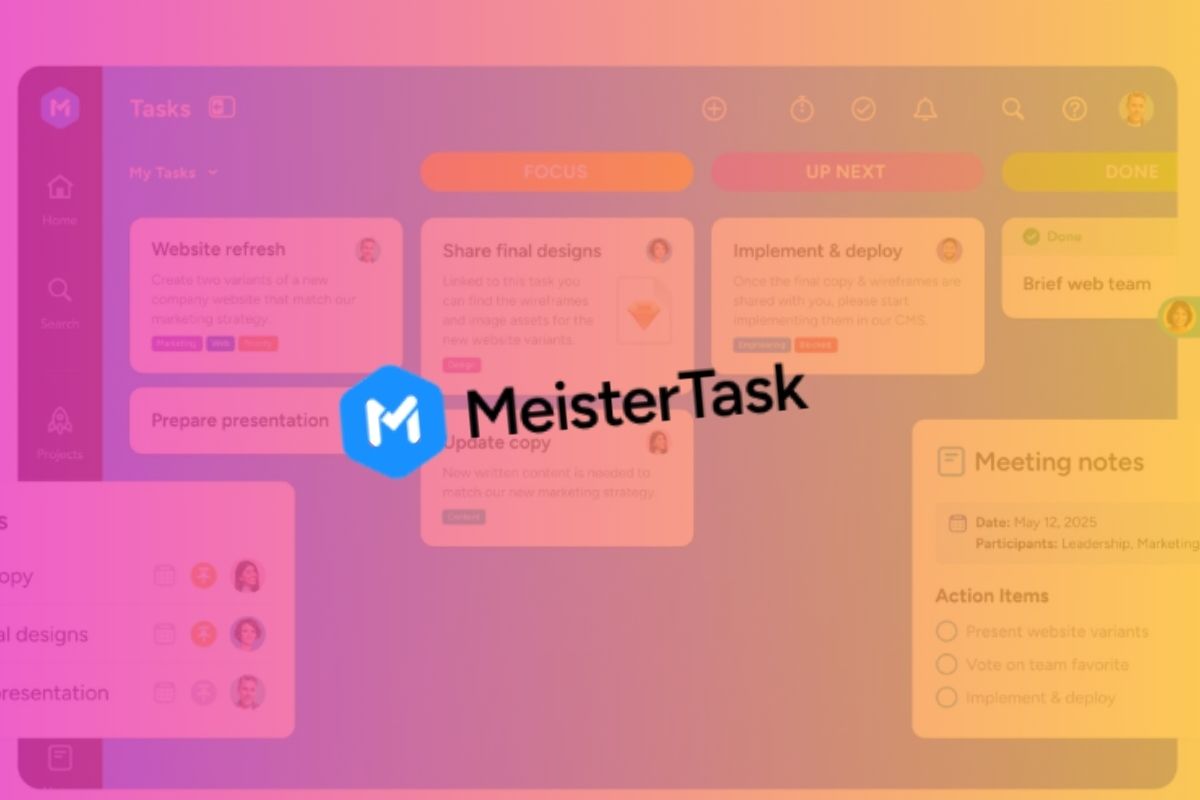
My most favorite TMS out of them all – probably the least distracting interface and it’s easy for me on task without getting distracted with all the settings gadgets.
ClickUp
ClickUp is my second most favorite. You get equipped with just the right amount of tools within the platform to track and manage tasks.
Trello
Trello is similar to Meistertask in a way. Though offers more options and flexibility with automating tasks before you invest.
Asana
Manage projects, tasks, and stay organized with this platform. Offers everything the others do, and probably the most user-friendly along side Meistertask.
Launch Your Dream Website In A Week Or Less.
Out-of-the-box ready child themes designed to help you prep your website sooner. All of our child themes are optimized for SEO, prepped with copywriting prompts, and ready to hit publish as soon as you add your copy and images. Upload, insert, done.
Artful Contracts has your website (& business) covered in all areas so you don’t have to worry about your assets not being covered.
